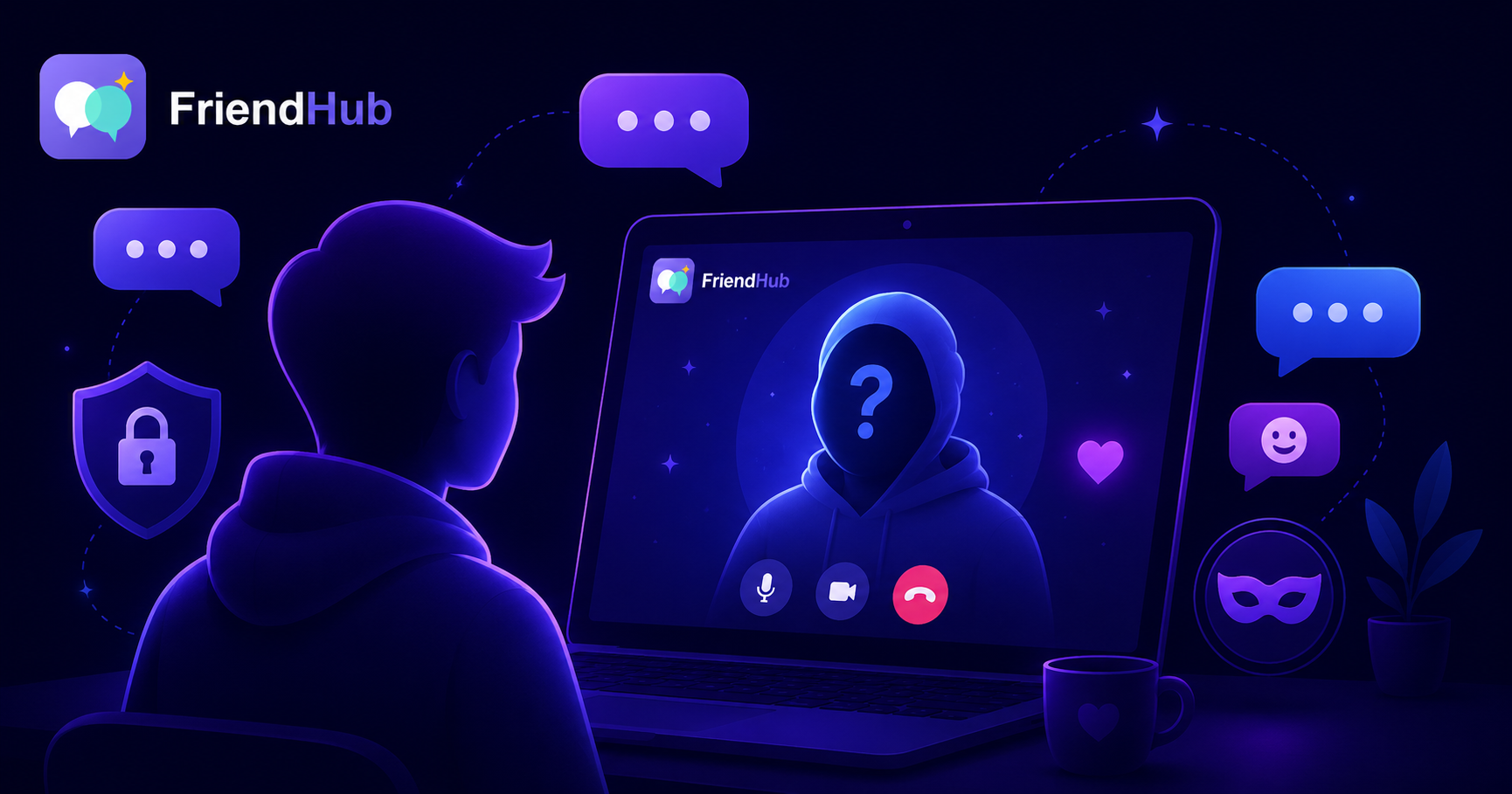
One of the best parts of FriendHub is that you can have genuinely great conversations with people around the world without handing over your personal details. You don't need to share your last name, your phone number, or where you live to build a real connection. This guide covers practical FriendHub privacy tips for meeting new people while keeping your personal information exactly that — personal.
Why You Don't Need to Overshare to Connect
There's a common misconception that a "real" connection requires full disclosure right away — your name, your city, your social media handles. In reality, some of the best conversations happen precisely because neither person knows those details yet. Anonymity, used well, takes the pressure off and lets conversations be about genuine curiosity rather than status or background.
Trust is something that builds gradually across multiple conversations, not something you owe a stranger in the first five minutes. Keeping your personal information private isn't unfriendly — it's just smart.
1. Build a Profile That Says Enough, Not Everything
Your profile is the only information other users see before you start talking, so it's worth being intentional about what goes into it.
- Use a first name or nickname only — never your full legal name.
- Skip your exact location. A general region or "somewhere in Asia" tells people enough without pinpointing where you live.
- Choose a photo you're comfortable with strangers seeing, or use an avatar or illustration if you'd rather not share a real photo at all.
- Leave out your workplace or school. These details are easy to search and can be used to identify you elsewhere online.
2. What to Avoid Sharing in Conversation
Even with a private profile, the biggest privacy risk usually comes from what gets shared mid-conversation, once trust starts to feel real. A few categories worth being deliberate about:
- Full name and date of birth — together, these are often enough to find someone's other social profiles.
- Phone number and home address — there's rarely a good reason to share either with someone you've just met.
- Financial details — bank information, crypto wallet addresses, or payment app usernames should never come up in a casual first conversation.
- Workplace, school, or daily routine — details like "I leave for work at 8am" can reveal patterns that feel harmless in the moment but add up.
- Other social media handles — linking to Instagram, X, or Snapchat effectively removes the anonymity FriendHub gives you by default.
None of this means staying guarded forever — it just means letting information come out naturally over time, with people you've actually built trust with, rather than handing it over on request.
3. How FriendHub Protects Your Privacy by Design
Beyond your own habits, FriendHub's underlying technology is built with privacy in mind:
- Peer-to-peer video with WebRTC. Your video and audio streams connect directly between you and your match — calls aren't routed through or stored on a central server.
- Minimal signaling data. Only the lightweight information needed to connect two users in real time is used to power matchmaking.
- Adjustable presence visibility. Your live online/active status can be managed rather than being forced on by default.
- Instant block and report tools. If someone pushes for personal information you're not comfortable sharing, you can end the conversation and report it in a couple of taps.
4. Recognizing When Someone Is Fishing for Information
Most people who ask personal questions are just making conversation. But there are patterns worth noticing when someone seems to be gathering information rather than genuinely getting to know you:
- Rapid-fire personal questions early on — full name, exact location, workplace — before any real rapport has built.
- Redirecting every topic back to identifying details, even after you've changed the subject.
- Pushing to move the conversation off-platform almost immediately, often to a place with fewer safety tools.
- Framing privacy as suspicious — for example, implying you're "hiding something" for not sharing personal details right away. Genuine connections don't require you to justify normal privacy boundaries.
If a conversation follows this pattern, you're under no obligation to keep going. Skip, block, or report as needed — see our FriendHub Safety and Privacy Guide for a full rundown of how these tools work.
5. Practical Ways to Stay Anonymous Without Feeling Cold
Privacy and warmth aren't opposites. A few ways to keep a conversation open and friendly while still protecting your details:
- Talk about interests, opinions, and experiences instead of identifying facts — hobbies, favorite shows, travel stories, or what you're curious about.
- If asked something you'd rather not answer, a simple "I like to keep that private for now" is a complete, socially normal response.
- Redirect naturally — answer with something adjacent instead of the exact detail. ("I'm somewhere in Southeast Asia" instead of a city name.)
- Let deeper trust develop over multiple conversations before sharing more, the same way you would with anyone new in daily life.
6. Managing Your Long-Term Privacy on FriendHub
Beyond individual conversations, it's worth knowing what control you have over your account as a whole:
- Delete your account at any time, which removes your profile data from active use.
- Choose your sign-in method without unnecessary data sharing.
- Adjust your activity and presence visibility whenever you want more or less visibility to other users.
Frequently Asked Questions About Privacy on FriendHub
Do I have to share my real name on FriendHub?
No. A first name, nickname, or even a made-up display name is fine — full legal names are never required.
Is it rude to avoid answering personal questions?
No. Keeping personal details private is completely normal, and a simple, polite decline is all that's needed.
Can other users see my exact location?
No. Your exact location isn't shared with other users — you control what location information, if any, appears on your profile.
What should I do if someone keeps pushing for personal information?
End the conversation and use the block and report tools. You're never obligated to explain or justify your privacy boundaries.
Are my video calls stored anywhere?
No. Calls use peer-to-peer WebRTC technology and are transmitted directly between users, not stored on FriendHub's servers.
Final Thoughts
Meeting new people doesn't have to mean giving up your privacy. Some of the most genuine conversations happen precisely because both people are free to be curious and open without the weight of full identification hanging over the chat. Keep your profile light on identifying details, let trust build naturally, and lean on FriendHub's built-in privacy tools whenever you need them.
The goal isn't to be guarded forever — it's to stay in control of what you share, when you share it, and who you share it with. That's what makes meeting strangers on FriendHub feel exciting instead of risky.