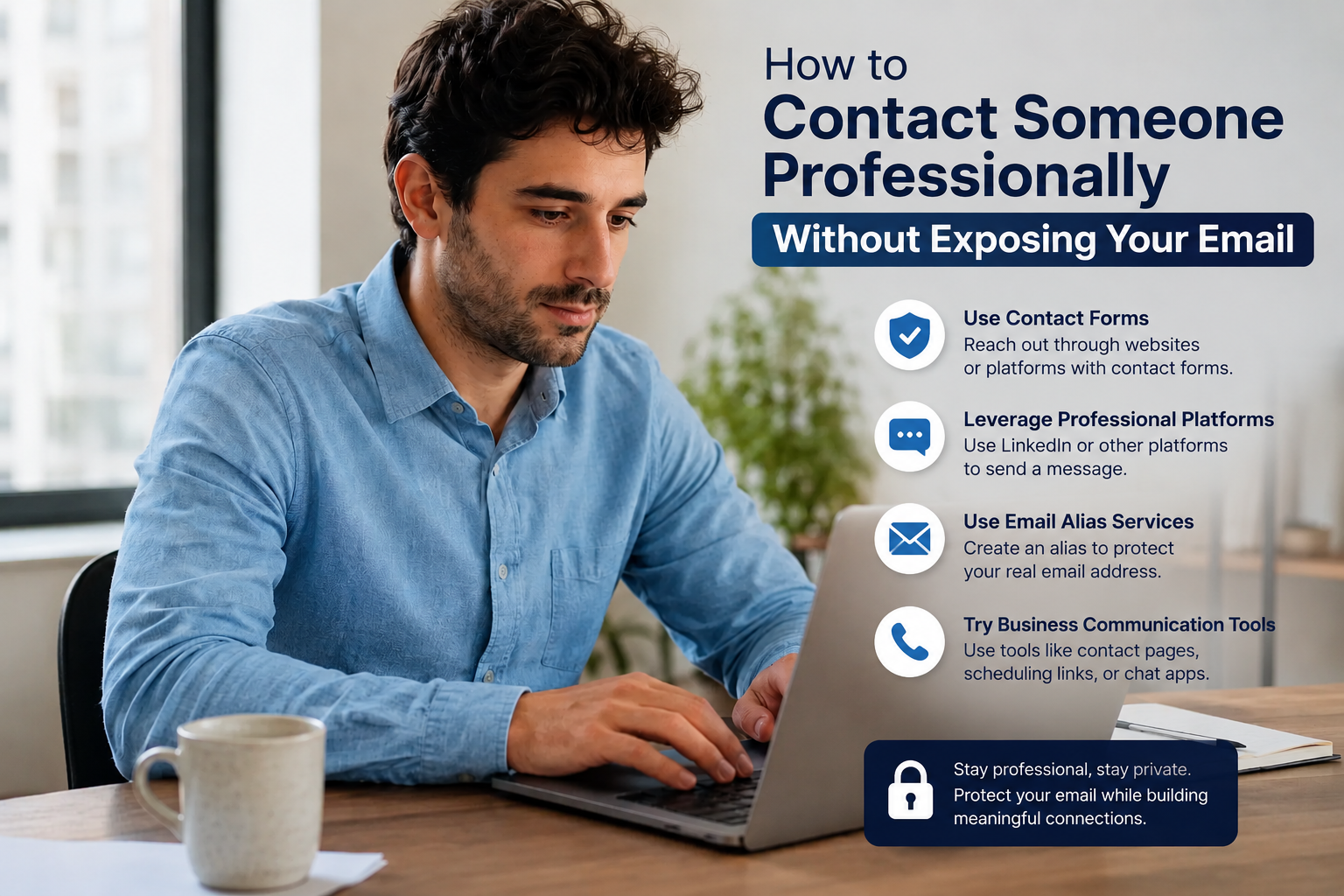
At some point, almost everyone runs into this problem: you want to reach out to someone — a recruiter, a potential client, someone you met at an event, a stranger whose work you admire — but you don't want to hand them your personal email address. Maybe it has your full name baked into it, maybe it's tied to old accounts you'd rather not connect to your professional life, or maybe you just don't want a cold contact to have a direct line to your inbox forever.
The good news is you have more options than "give out your real email or don't reach out at all." Here's how to make first contact professionally while keeping your private email private.
1. Create a separate professional email address
The simplest fix is a dedicated address just for networking, job hunting, or public-facing work — separate from the personal inbox you use for banking, family, and old accounts. Something like a first-and-last-name Gmail or a custom domain address works well. You get all the benefits of email (replies, attachments, searchable history) without exposing your primary inbox.
2. Use a contact form instead of an email address
If you have a personal website or portfolio, a contact form lets people reach you without ever seeing your email address. Your address stays behind the scenes, and you still get the message delivered straight to your inbox.
3. Route through a platform's built-in messaging
LinkedIn, professional communities, and many job boards let you message someone without either party seeing the other's email. This is often the lowest-friction option for a first "hello" — no new accounts or setup required, and the platform handles the privacy layer for you.
4. Use an email alias or forwarding address
Services built into providers like Gmail (plus-addressing, e.g. yourname+networking@gmail.com) or dedicated alias tools let you generate an address that forwards to your real inbox. If the alias ever gets spammed or sold to a list, you can shut it off without touching your main account.
5. Set up a "contact me" page with limited detail
Rather than publishing an email address in plain text, some people list only a form, a scheduling link (like Calendly), or a professional social profile. It signals you're reachable and open to contact, without putting a permanent, scrapable email address on the public internet.
6. Watch what your email address reveals
Even a "professional" address can leak more than intended if it includes a birth year, old employer, or a nickname tied to other accounts. When creating an address specifically for outreach, keep it neutral — first and last name is usually enough.
7. Know when it's worth giving out your real email anyway
None of this means your real email needs to be a secret forever. Once a conversation moves somewhere real — an actual job process, an ongoing client relationship, a collaboration — sharing a direct line is often more efficient than staying behind a form. The goal isn't total anonymity; it's controlling who gets access to your main inbox and when.
The takeaway
Reaching out to someone professionally, or making yourself reachable, doesn't require exposing the inbox you use for everything else. A dedicated address, a contact form, or a platform's built-in messaging all get the job done — and let you decide later, on your own terms, who earns a more direct line.